Executives lose hours to work that doesn’t need them: rescheduling, inbox triage, travel changes, chasing a contract, updating records after every call. A virtual assistant service takes that work without the cost or commitment of a full-time hire. This guide compares nine options on how they staff, supervise and bill, and on what each one is genuinely best at.
How We Compared These Services
Each entry is assessed on four things an executive actually feels: whether you get one consistent person or a rotating pool, who supervises and covers absences, what the assistant is permitted to do, and how the service bills. Coverage hours and permitted task scope vary widely between providers and are the two details most often assumed rather than confirmed. Verify both, in writing, before signing.
The 9 Best Virtual Assistant Services
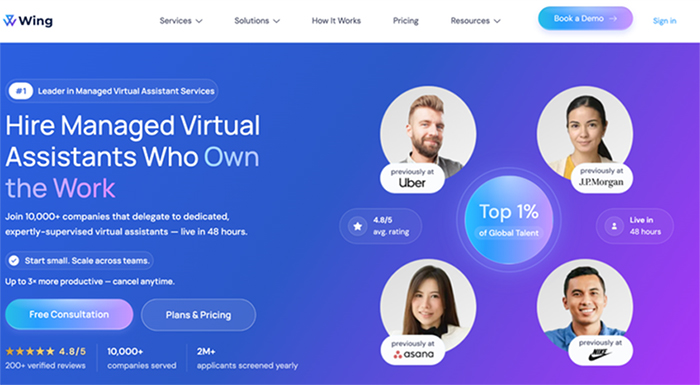
1. Wing Assistant
Best for managed executive support
A dedicated virtual assistant from Wing Assistant works a set number of hours each month on the recurring parts of an executive’s week, while the provider handles matching, supervision and replacement. General assistant plans are listed at $699 per month for 80 hours and $999 per month for 160 hours. These cover general assistants rather than specialised roles, and base plans do not include round-the-clock coverage.
Pros: one consistent assistant rather than a pool; provider-side supervision and replacement; monthly billing that is easy to forecast.
Cons: general plans exclude specialist roles; no round-the-clock coverage at base tier.
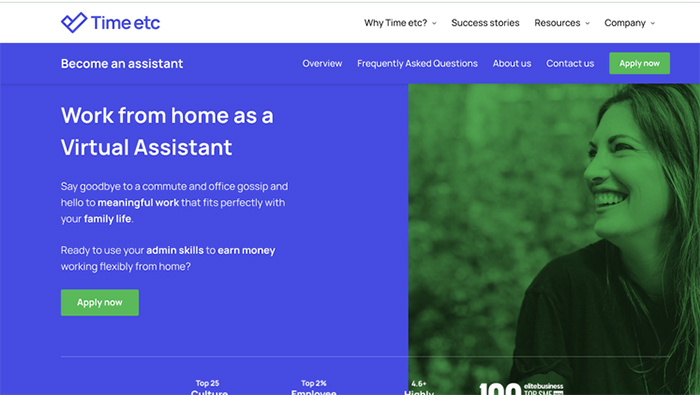
2. Time etc.
Best for professionals at modest volume
U.S.-based assistants sold in monthly hour blocks, aimed at inbox, calendar and follow-up work. Unused-hour rollover is listed on larger plans, which can help with uneven months. Confirm rollover limits and how extra hours are billed.
Pros: U.S.-based assistants; rollover on larger plans; suits variable workloads.
Cons: hour blocks can be consumed quickly by meeting-heavy weeks.

3. Zirtual
Best for outbound calling alongside admin
Assistants for inbox, calendar and general administration, with outbound calling sold as a separate package. Its receptionist offering also describes CRM updates, follow-up and outbound scheduling. Because calling is priced separately, scope both lines before committing.
Pros: live outbound calling available; combines admin with outreach.
Cons: calling packages are an additional cost; two line items to manage.
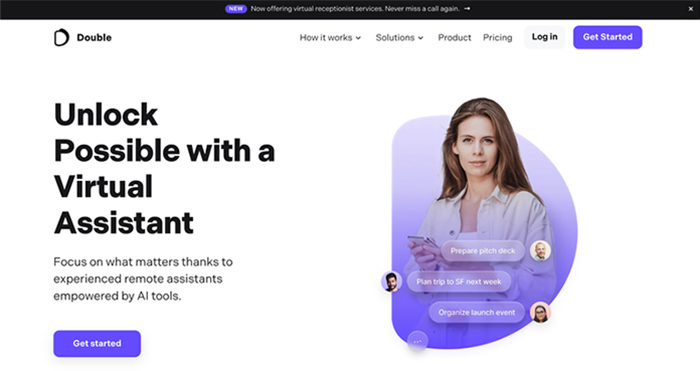
4. Double
Best for executives running several calendars
Structured plans built around assistants who manage complex scheduling across multiple calendars, with additional hours available beyond the plan. An onboarding fee applies, refundable after an initial period.
Pros: strong fit for multi-calendar scheduling; clear plan structure.
Cons: onboarding fee; higher effective hourly cost than several options here.
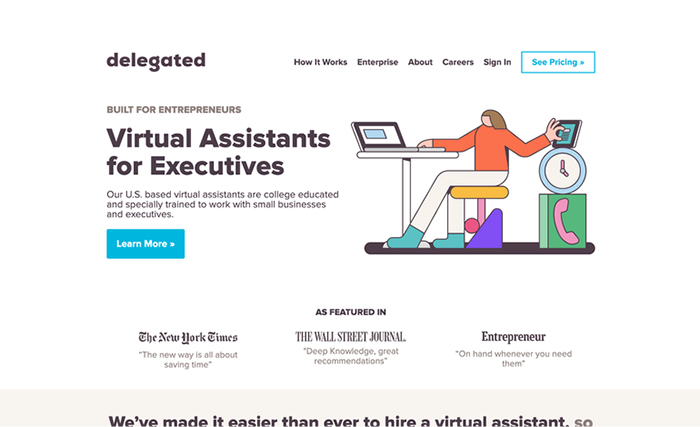
5. Delegated
Best for scheduling and routine administration
Administrative support covering scheduling, confirmations and routine check-ins, with optional receptionist bundles. The company states that it does not perform outbound sales calls, so confirm your planned work falls inside its permitted scope.
Pros: optional receptionist add-on; clear administrative focus.
Cons: outbound sales calls are outside scope.

6. Prialto
Best for team support and CRM upkeep
Team-backed assistants sold in fixed-hour units, with backup cover trained on your processes. A minimum term and setup fee apply, so this is a commitment rather than a trial.
Pros: trained backup cover; strong on repeatable processes and CRM upkeep.
Cons: minimum term and setup fee; not suited to short pilots.
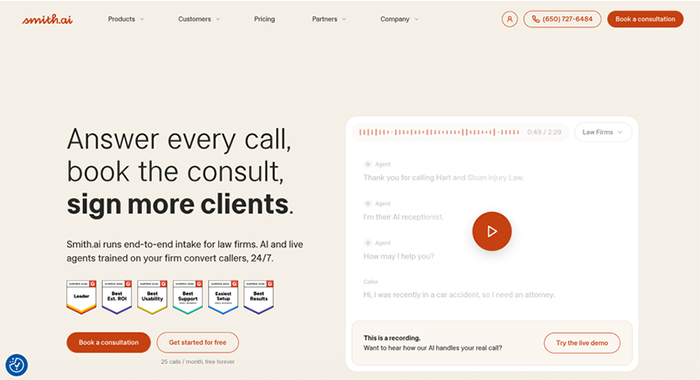
7. Smith.ai
Best for call answering and intake
Human receptionists billed by call rather than by hour, handling answering, intake and transfers, with text or email follow-up available as an add-on. Ask which calls count toward your allowance, how spam is treated, and whether coverage spans your hours.
Pros: strong first-response coverage; per-call billing is easy to forecast at steady volume.
Cons: not a substitute for ongoing assistant work; add-ons priced separately.

8. Ruby
Best for message routing
Live receptionists billed by minutes used, focused on first response and routing messages to the right person. Confirm included minutes and overage rates before estimating a monthly cost.
Pros: reliable first response; established receptionist service.
Cons: minute-based billing is harder to forecast; later follow-up still needs an owner.
9. Magic
Best for occasional one-off tasks
On-demand help suited to discrete assignments such as research, list cleanup or a short batch of confirmation emails, rather than a standing schedule. If you need repeated work, ask whether the same assistant can handle later requests and retain context.
Pros: no ongoing commitment; useful for short bursts of work.
Cons: continuity is not guaranteed; poor fit for recurring responsibilities.
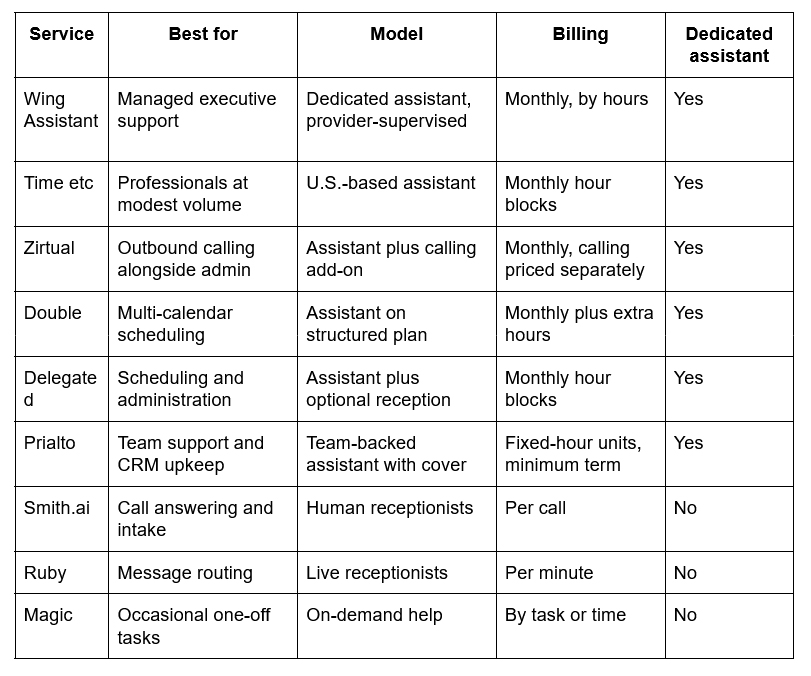
Comparison: the best virtual assistant services
How to Choose the Best Virtual Assistant Service
Start with the work, not the provider.
List the tasks you would hand over first, how often each occurs, how long it takes and what access it requires. Anything touching your calendar, inbox or CRM needs a decision about permissions before an assistant starts.
Decide what must be answered live and what can wait for a scheduled callback. That single distinction separates the receptionist services from the assistant services in this list, and most executives need some of both.
Confirm who supervises. Ask who trains the assistant, who reviews the work, who covers absences and how quickly a replacement is found if the match fails. Managed services answer this at the provider level; marketplace models leave it with you.
Confirm scope and billing together. Establish whether answering, outbound calls, texts and appointment booking are included or charged separately, then compare expected monthly totals rather than starting prices.
Essential features to look for
Communication. An executive assistant writes in your voice more often than they speak in it. Ask for writing samples and confirm which correspondence they are authorized to send without review.
Tech proficiency. Expect fluency in calendar, email, document and CRM tools as a baseline. Anything involving expense systems, travel platforms or board materials should be named explicitly during matching.
Organization. The assistant has to prioritize your work better than you currently do. Ask how tasks are queued, how status is reported and how you will see progress without asking.
Discretion. Executive support means exposure to compensation, legal, personnel and commercial information. Confirm confidentiality terms, device and access controls, and what happens to records when an assistant leaves the account.
Continuity. One person is the point of the model, so cover matters. Ask whether a trained backup exists and whether they are briefed on your processes before they are needed.
Value
The case for these services is the gap between an assistant’s cost and a salaried hire’s total cost once benefits, downtime and absence are counted. That gap is real, but the published comparisons come from the providers themselves, so treat time-saved and return-on-investment figures as vendor claims unless independently supported.
Forecast from your own numbers instead. Count the hours you currently spend on delegable work, price them against the plan you are considering, and add the time you will spend briefing and reviewing in the first month, which is always more than expected.
Setting Up an Assistant so the First Month Works
Before the first shift, hand over templates for the correspondence you send most often, a written list of what the assistant may send without approval, the CRM or record fields to update after every contact, and escalation rules covering what needs your input and when to stop chasing something.
Inbound inquiries deserve their own rule. Decide who acknowledges them, how quickly, and in what words, then make that the assistant’s standing instruction rather than a judgement call. Guidance on responding to website inquiries is a useful template for setting that first acknowledgement, and the same logic applies to anything arriving by email or phone.
Then review weekly for the first month and monthly after that. Most assistant relationships fail on unclear scope rather than poor work, and scope problems surface early if you look for them.
Matching the Service to the Work
For an executive, the priorities are consistent: protect the calendar, respond promptly, keep records current, and choose a billing model you can forecast. A receptionist service handles the first call. A managed assistant holds the recurring work behind it. Decide which of those you actually need before comparing prices, because the two categories are not substitutes for each other.