Choosing the best direct mail API isn’t just about sending a postcard from code. For a US small business, the right tool also needs to fit the CRM, check addresses, and show what happened after a mailing.
I compared seven API-driven direct mail platforms, with Postalytics first for businesses that want marketer-friendly automation on top of a full API. Lob and PostGrid serve developer-led projects, PCM Integrations and Click2Mail cover print-led and notice workflows, and PostPilot and Poplar lean toward ecommerce and DTC brands.
Key Takeaways
- Postalytics is my top pick, combining Triggered Drip campaigns, Flows, a multi-tenant API, and IMb plus pURL tracking with no minimum sends.
- Lob and PostGrid fit developer-led projects. Compare API access, workflow responsibilities, and production costs.
- PCM Integrations and Click2Mail suit CRM-triggered postcards, print-led jobs, and occasional notices.
- PostPilot and Poplar focus on ecommerce and DTC brands rather than general-purpose mailing.
- Compare complete costs. Check plan access, printing, postage, mail class, volume, and optional charges before choosing.
How I Tested
This is a feature-based comparison built from each vendor’s published documentation, plans, and pricing pages, not a live sending benchmark. I assessed each platform against six practical criteria.
Automation depth. I looked for individual trigger-based sends and multi-touch sequences. Batch uploads can still be useful, but they serve a different workflow.
Integrations. Native CRM connections matter for marketers; APIs and Zapier help when workflows need a custom connection. I considered both approaches.
Tracking and attribution. I compared delivery-status reporting, QR codes, personalized URLs, and dashboards, while keeping delivery visibility separate from evidence of a sale.
Address hygiene. I considered whether address checks happen before production. Validation can flag problematic records, but it doesn’t guarantee deliverability.
Scalability and multi-tenancy. I checked whether a platform can separate budgets, templates, and reporting across teams, locations, or clients, which matters for agencies, franchises, and software platforms.
Pricing and entry options. I looked at per-piece transparency, subscription requirements, and pilot options. Published examples aren’t substitutes for current quotes.
What Is Direct Mail Automation?
Direct mail automation sends physical mail through an API or connected platform, often after a CRM event. The vendor prints and addresses the piece, then hands it to USPS. Delivery-status reporting and response tracking provide different kinds of campaign information.
Direct mail built for the digital era behaves like email: triggered, personalized, and measurable. That matters more as teams automate larger parts of their stack, including workflows run by AI agents, because an API-first mail platform can be called like any other service. Traditional printers are launching their own automation tools too, which is why print-led names appear alongside software platforms on this list.
First-Class generally suits individual, time-sensitive sends. Marketing Mail generally costs less but takes longer and has eligibility and quantity requirements. Confirm which classes a vendor supports for your format and volume rather than assuming every mailing qualifies.
CRM event → API request → Print and mail → USPS status. A typical automated mailing workflow. Available triggers and status details vary by provider.
1. Postalytics
Postalytics Pros
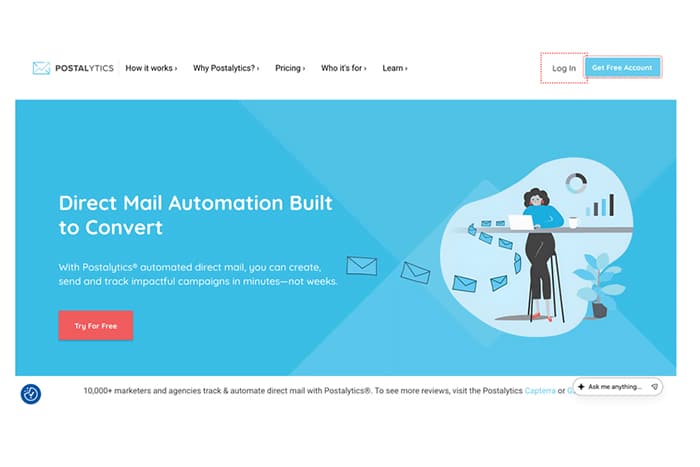
- Triggered Drip campaigns and Flows cover single and multi-touch sends from CRM, marketing automation, Zapier, webhook, or API triggers.
- A full API and SDKs support multi-tenant architecture, with a white-label Agency Edition.
- IMb delivery tracking plus QR code and pURL matchback attribution are included on every plan.
- No minimum sends, with all-in per-piece pricing and direct mail credits for predictable budgeting.
Postalytics Cons
- Salesforce integration and Flows require Pro & Agency.
- Mailing covers the US and Canada, so international sends need another provider.
- Complex Flows may need some onboarding time.
My Experience With Postalytics
Postalytics, the creators of the direct mail automation category, is my top pick because it makes direct mail as easy as email for marketers and developers alike. Campaigns launch in minutes, Triggered Drip campaigns send individual pieces when a CRM event fires, and Flows handle planned sequences. For a home services business, I’d start with a postcard triggered by a quote request or completed job.
The API is its standout feature here. SDKs, a multi-tenant account structure, and headless options for embedding mail without a full front end suit agencies and software platforms. Integrations include HubSpot, Salesforce, HighLevel, Klaviyo, Canva, and Figma, MailBack turns anonymous website visitors into postal retargeting audiences, and variable data printing runs on a two-business-day SLA through a distributed production network in the US and Canada.
Postalytics Pricing
Choose between the Free, Marketer, and Pro & Agency plans. Direct Mail API access starts on Free, with more API features in Marketer and the full API, Flows, and Salesforce in Pro & Agency. Per-piece prices include printing, paper, and postage, letters can add custom envelopes as a per-piece add-on, and volume tiers lower the per-piece rate on paid plans.
2. Lob
Lob Pros
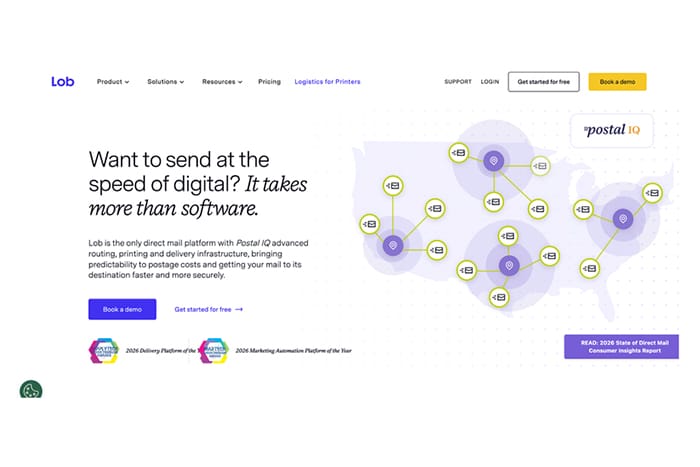
- REST API for programmatic mail inside your own applications.
- Developer tier provides an entry point for lower-volume projects.
- Address verification and production tracking.
- Certified Mail tracking numbers and links available through the dashboard.
Lob Cons
- Native multi-touch sequencing is limited, so follow-up logic often lives in your code or marketing platform.
- Nontechnical marketers will need more implementation support.
- Business tiers add subscription costs.
My Experience With Lob
Lob is the option I’d put in front of a developer who wants mailing inside an existing application. Its API-oriented approach fits teams that already manage customer data and workflow logic. The trade-off is responsibility: developers may also need to maintain campaign timing and follow-up rules.
For a sequence such as “send another postcard if there’s no response,” I’d check which steps belong in code or the marketing platform. Certified Mail tracking is useful for notice-based workflows, but buyers should confirm the specific mailing evidence and services required.
Lob Pricing
Start with the Developer tier for a lower-volume evaluation, then compare business-plan terms. Production mail carries printing and postage costs. Request current format-specific rates, subscription charges, and any additional fees rather than building a budget around older postcard or letter examples.
3. PostGrid
PostGrid Pros
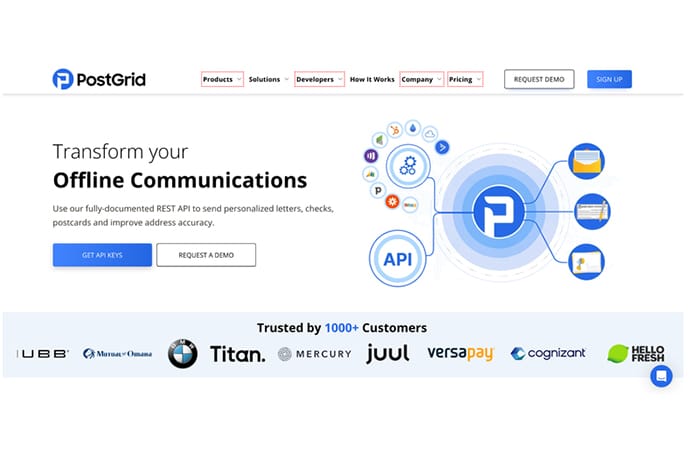
- Starter tier provides an entry point for API pilots.
- Published unit pricing supports cost comparisons.
- Higher-tier compliance options address regulated use cases.
- API access is listed for the Starter tier.
PostGrid Cons
- Campaign orchestration is lighter than dedicated marketing platforms.
- Mailings beyond the Starter allowance can incur overage charges.
- Dashboards lean technical rather than marketer-friendly.
My Experience With PostGrid
PostGrid interests me as a way to pilot an API-based mailing workflow before expanding it. I’d use that pilot to check address handling, document output, and production status. A Starter allowance shouldn’t be read as free printing or postage.
Its compliance options deserve closer review for healthcare or financial-services buyers. Check the scope of HIPAA-related safeguards, any SOC 2 Type 2 report, and required agreements rather than relying on a label. For marketing sequences, expect to evaluate orchestration outside the mailing API.
PostGrid Pricing
Compare the Starter plan’s current mailing allowance, unit charges, and overage terms. Higher tiers add options, including compliance-related features. Ask which charges apply to your particular postcard or letter format, and confirm plan requirements before estimating a regulated workflow.
4. PCM Integrations
PCM Integrations Pros
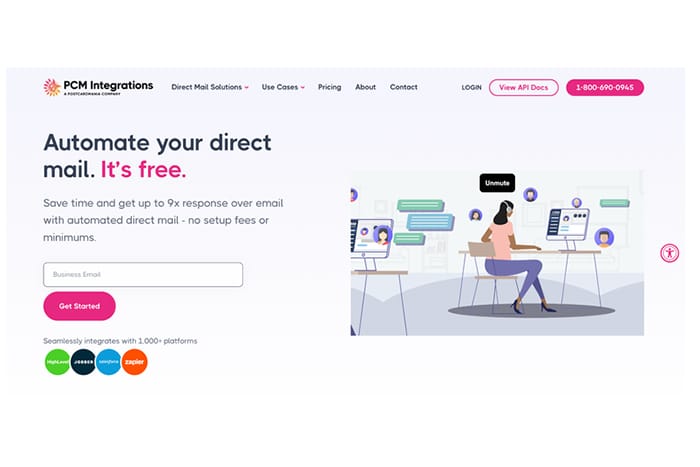
- Free API with no tech fees, setup fees, or monthly minimums.
- CRM integrations include HighLevel, Salesforce, HubSpot, Jobber, Simpro, and Zapier.
- CASS, NCOA, DPV, and presort included at no extra cost.
- A branded Storefront Solution lets agencies and franchisors resell direct mail.
PCM Integrations Cons
- The site describes production as both an in-house Florida plant and a national print network, so confirm where your jobs print.
- Check how multi-step sequences are handled before relying on it for longer campaigns.
- Response-rate statistics on the site come from third-party studies, so judge performance with your own test.
My Experience With PCM Integrations
PCM Integrations is PostcardMania’s API and automation platform, and I’d consider it when a CRM-triggered postcard is the core use case. A home services company could send a mailer when a job closes, or use radius targeting to reach neighbors around completed jobs.
The free API and pay-per-piece model make pilots low risk. Its site also describes multi-tenant support with separated accounts, permissions, templates, and billing. Orders received by 11 PM EST are expected to go out within one business day, though mailing time isn’t delivery time.
PCM Integrations Pricing
The API carries no tech or setup fees, and you pay per piece for printing and mailing. Check the pricing page for your format and volume, and confirm list or design service charges separately if you need them.
5. Click2Mail
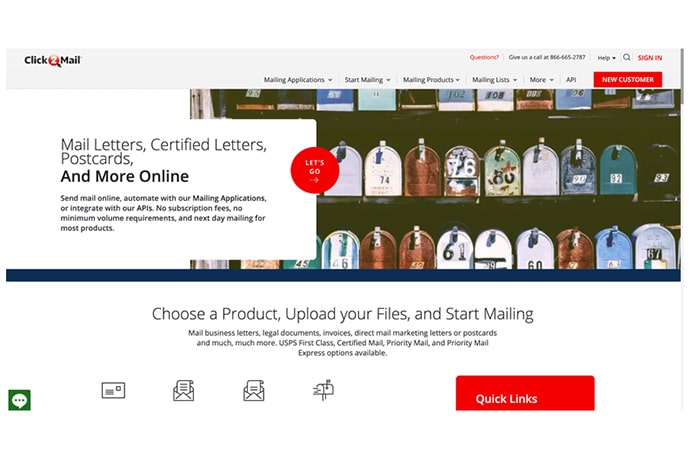
Click2Mail Pros
- Pay-per-send approach suits occasional mailing needs.
- Zapier integration and Email-to-Mail support straightforward triggers.
- Certified Mail options and next-business-day mailing for many products.
- Built-in cost estimator.
Click2Mail Cons
- Little native campaign orchestration.
- Basic response-attribution features.
- Pricing is spread across product pages.
My Experience With Click2Mail
I see Click2Mail as a utility for letters, notices, and occasional postcards rather than a marketing sequence builder. A simple invoice-to-letter workflow is a reasonable use case for its connectors. Property managers and professional-services firms may also find its Certified Mail options relevant.
I’d verify the required mailing services for each notice and distinguish mailing from delivery. Next-business-day mailing doesn’t mean next-business-day arrival.
Click2Mail Pricing
Use the estimator for your exact document, quantity, and mail class. Include any Certified Mail services or other selected options in the estimate. Older blog examples shouldn’t be treated as current production rates, especially when comparing a notice with a standard marketing postcard.
6. PostPilot
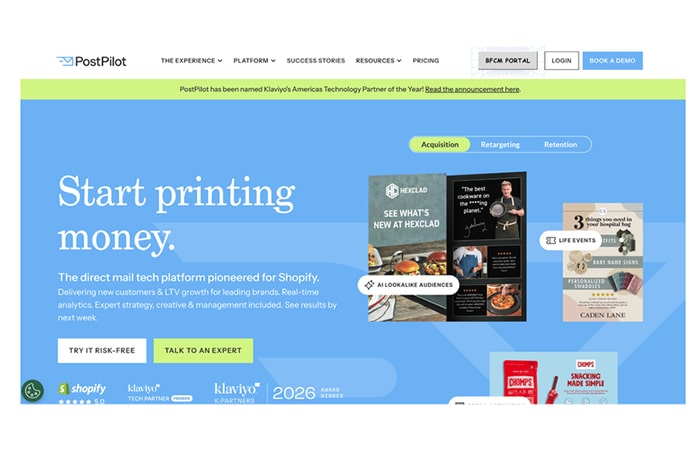
PostPilot Pros
- Shopify and Klaviyo integrations support behavior-triggered postcards.
- Robot-handwritten cards offer another format alongside printed postcards.
- MailMatch supports address matching for email contacts.
- Order-linked reporting connects campaigns with Shopify activity.
PostPilot Cons
- E-commerce focus leaves fewer options for B2B letter workflows.
- Some features require specific plans.
- Built for ecommerce triggers rather than general-purpose API projects.
My Experience With PostPilot
PostPilot makes sense to me when the campaign starts with a Shopify purchase or a Klaviyo segment. Abandoned-cart, win-back, and post-purchase scenarios fit its focus. I’d compare printed postcards and handwritten cards on a small campaign rather than assume one format will perform better.
For a law firm or home services business, the fit is narrower because the workflows center on orders. PostPilot builds holdout groups into its sends, which helps separate attributed revenue from true incremental lift.
PostPilot Pricing
Request a quote identifying your plan, format, finish, and volume. Advertised starting prices aren’t a complete budget, especially when required features depend on the plan. Compare postcards and handwritten cards at the same send quantity before choosing a format.
7. Poplar
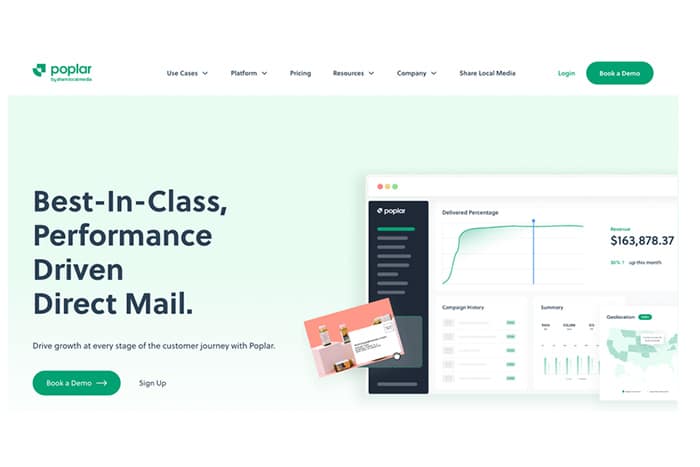
Poplar Pros
- API Mailing and an Address Validation API support programmatic sends.
- Integrations include Klaviyo, Shopify, Iterable, Customer.io, Mailchimp, and Zapier.
- Prospecting with advanced targeting and lookalike modeling.
- Retargeting for high-intent email leads and site visitors.
Poplar Cons
- DTC and ecommerce focus fits B2B letter workflows less naturally.
- API Mailing is labeled new, so check documentation depth for your use case.
- Published case study results are brand-specific, not benchmarks.
My Experience With Poplar
Poplar, a product of Share Local Media, suits brands that treat direct mail as a performance channel across prospecting, retargeting, and retention. I’d look at it for a DTC brand that wants to reach email leads and turn site visitors into customers.
Its marketing-automation integrations fit teams already running Klaviyo, Iterable, or Customer.io. For a home services business or professional firm, the fit is narrower, since the platform’s examples center on consumer brands.
Poplar Pricing
Poplar publishes pricing tiers on its site. Compare the tier that includes the features you need, then confirm per-piece costs for your format and volume before committing to a campaign.
Conclusion
Postalytics is my top pick for small businesses that want direct mail connected to their marketing workflow. Triggered Drip campaigns, Flows, a multi-tenant API, and included IMb tracking, QR codes, and pURLs provide the strongest combination of automation and visibility here.
Lob is a runner-up for developer-owned applications, while PostGrid is worth considering for API pilots. PCM Integrations and Click2Mail serve CRM-triggered postcards, print-led jobs, and notices. PostPilot and Poplar fit ecommerce and DTC campaigns.
Start with your actual CRM, expected monthly volume, and reporting needs. Then confirm plan access, address handling, mail class, and the complete cost of a small pilot. Choose the tool your team can maintain, not simply the one advertising the lowest starting rate.
FAQ
These practical questions can help narrow the shortlist before requesting quotes.
Do I need a developer to automate direct mail?
Not always. Postalytics and several other options support native integrations or Zapier. Lob and PostGrid are more API-oriented, so engineering support is useful when implementing and maintaining custom workflows.
How fast is First-Class versus Marketing Mail?
First-Class generally moves faster, while Marketing Mail generally trades speed for lower postage costs. Confirm current USPS service standards and the vendor’s production schedule. Printing time is separate from postal transit time.
Can I trigger mail from HubSpot or HighLevel?
Postalytics and PCM Integrations both list these integrations, and Postalytics Triggered Drip campaigns support CRM-based triggers. Confirm your plan’s access and the specific event you want to use before building the workflow.
What do QR codes and pURLs add?
They give recipients a measurable route from physical mail to a website. Personalized tracking can connect activity to a recipient or piece, but visits alone don’t establish sales or campaign profitability.
How do USPS rate changes affect quotes?
Check the published effective date and your vendor’s updated quote before scheduling a campaign. Retail postcard postage isn’t the same as an all-in platform price, which includes production and may use a different mail class.