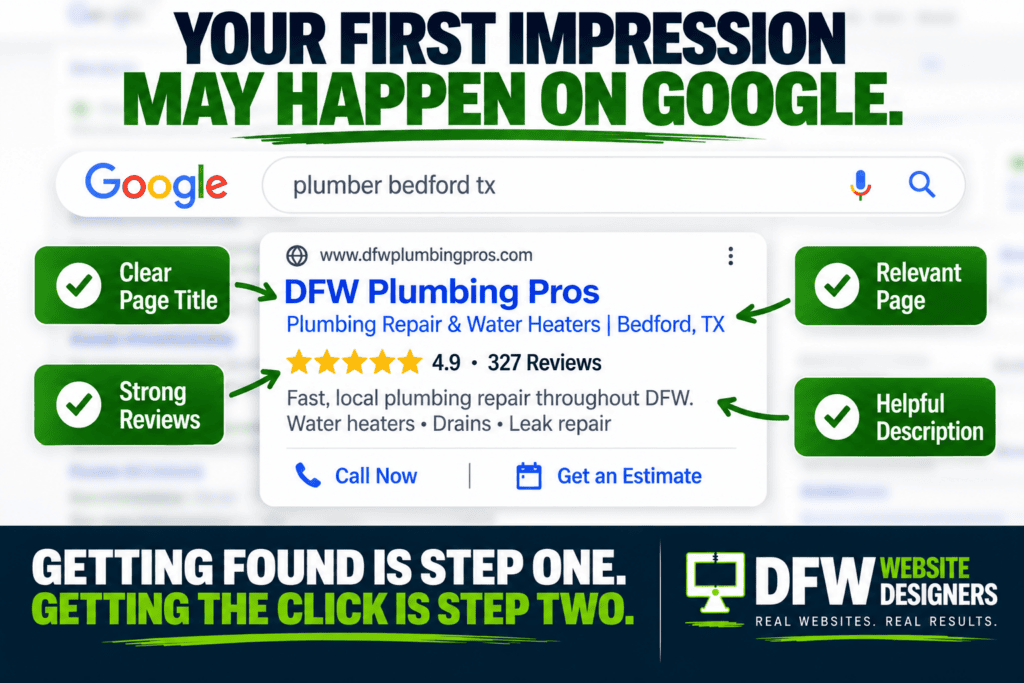
Someone just found your business on Google. They visited your website. They looked through your services. They checked out your reviews. They decided they liked what they saw. And then they did exactly what you wanted them to do:
They filled out your contact form.
Congratulations—you have a lead. But there’s one problem. What happens next? For many businesses, the answer is surprisingly unclear. Maybe the form goes to someone’s email. Maybe somebody sees it in an hour. Maybe someone calls tomorrow. Or maybe everyone assumes somebody else responded. Meanwhile, your potential customer is probably still searching. Getting the lead is only half the battle. What happens next may determine who gets the customer.
Your Website Did Its Job—Now It’s Your Turn
Think about everything that had to happen before that contact form was submitted. You may have spent money on:
- Website design
- SEO
- Google Ads
- Social media
- Blogging
- Google Business Profile optimization
- Online advertising
All of those efforts helped bring someone to your website. Your website then convinced that visitor to take action. At that moment, you’ve accomplished one of the hardest parts of digital marketing. You generated a lead. Don’t waste it because nobody followed up.
1. Your Team Should Know Immediately
When someone submits a contact form, the right person should receive a notification as quickly as possible. That could be through:
- Text message
- CRM notification
- Mobile app
- Automated workflow
The goal is simple: Don’t let a new lead sit unnoticed in an inbox. If your website generates leads but your team doesn’t know they’re there, you don’t really have a website problem. You have a follow-up problem.
2. The Customer Should Receive Confirmation
Have you ever filled out a contact form and wondered: “Did that actually go through?” That’s not a great customer experience. Immediately after submitting a form, the visitor should see a clear confirmation message. Something as simple as: “Thank you! We’ve received your request and someone from our team will contact you shortly.” Even better, send an automated confirmation email or text.
Now the customer knows:
- Their message was received.
- Your company is responsive.
- Someone will be contacting them.
- They don’t need to submit the form again.
It’s a small detail that can make your business look significantly more professional.
3. Respond While They’re Still Interested
A website lead isn’t necessarily sitting around waiting for you. They’re often comparing several companies. Imagine someone needs a plumber. They search Google and contact three local plumbing companies. Company A responds quickly. Company B calls several hours later. Company C calls tomorrow. Who has the advantage?
Usually, it’s Company A. The potential customer is actively thinking about the problem right now. The longer you wait, the greater the chance someone else starts the conversation first.
4. Don’t Make the Customer Repeat Everything
Your contact form should collect enough information to make the first conversation easier. Depending on your business, that might include:
- Name
- Phone number
- Service needed
- Preferred appointment time
- Project details
- Location
If someone just explained their problem on your website, don’t start the phone call with: “So… what can we help you with?” Read the lead first. A much better opening is: “Hi, I saw your request about your project, and I wanted to follow up.” Immediately, the customer knows you’re paying attention.
5. Have a Follow-Up Process
Not every lead answers the first call. That doesn’t necessarily mean they aren’t interested. They may be:
- Working
- Driving
- In a meeting
- Taking care of their kids
- Talking to another vendor
- Simply unable to answer
Your sales process shouldn’t end after one unanswered phone call. Depending on your business, a follow-up sequence might include a phone call, voicemail, text message, and email. The important thing is having a process instead of leaving follow-up to chance.
6. What About Leads That Come in After Hours?
This is where things get interesting. Your website works 24/7. Your staff probably doesn’t. Someone might submit a request at: 7:30 PM. Or 11:15 PM. Or Sunday afternoon.
You don’t necessarily need an employee answering every lead at midnight, but you can acknowledge the customer immediately. Automated emails, text messages, online scheduling, chat tools, and AI receptionists can help keep the conversation moving until a member of your team is available. The customer gets a response. Your business captures the opportunity. And nobody has to sleep next to the office phone.
7. This Is Where an AI Receptionist Can Help
For some businesses, an AI receptionist can help bridge the gap between generating a lead and having a human available to respond. An AI receptionist can potentially help:
- Answer common questions
- Collect customer information
- Handle initial inquiries
- Route calls
- Schedule appointments
- Respond after normal business hours
The goal isn’t necessarily to replace your team. It’s to make sure opportunities don’t disappear simply because everyone was busy when the customer reached out. Your website and receptionist should work together. The website generates the opportunity. The receptionist keeps the conversation moving.
8. Track Which Leads Become Customers
Here’s another question many business owners can’t answer: How many website leads actually become customers? You should track more than website traffic.
You should also understand:
- How many contact forms you receive
- Where those leads came from
- How quickly your team responded
- How many appointments were scheduled
- How many leads became customers
- How much revenue those customers generated
This changes how you evaluate your website. Instead of asking: “How many visitors did we get?” You can ask: “How much business did our website generate?” That’s a much more useful question.
Don’t Spend Money Generating Leads You’re Going to Lose
Businesses spend thousands of dollars trying to generate leads. They invest in websites. They invest in SEO. They invest in advertising. They invest in social media. But sometimes the biggest problem isn’t generating the lead. It’s what happens after the lead arrives. A great website and a great follow-up process should work together. Your website attracts the customer. Your content builds trust. Your contact form captures the opportunity. And your follow-up process turns that opportunity into a conversation. That’s how digital marketing becomes actual business.
Is Your Website Generating Leads—or Losing Them?
At DFW Website Designers, we believe a website should do more than look good. It should help grow your business. That means looking at the entire customer journey—from the moment someone finds you online to the moment they contact your company.
We help businesses with:
- Professional Website Design
- Website Redesigns
- Landing Pages
- Local SEO
- SEO Blogging
- Google Business Profile Optimization
- Website Maintenance
- AI Receptionists
- Lead Generation Strategies
If your website isn’t producing enough leads—or you’re not sure what happens to those leads after they arrive—we can help you identify the gaps. Contact DFW Website Designers today for a FREE Website Evaluation.
We’ll review your website, look for opportunities to improve your lead-generation process, and help you build a website that doesn’t just attract visitors—it starts conversations that can become customers.
Because getting the click is nice. Getting the customer is better.