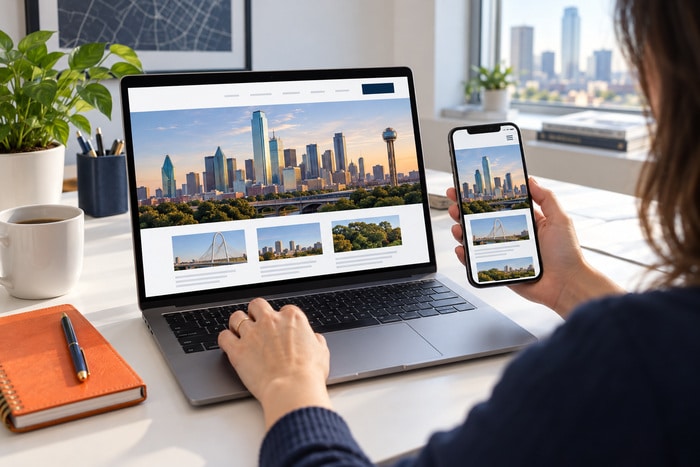
Before someone calls your business, there’s a pretty good chance they’ve already checked you out online. They may have found you through Google. They may have seen your Google Business Profile. They may have clicked a Facebook post. They may have received your name from a friend.
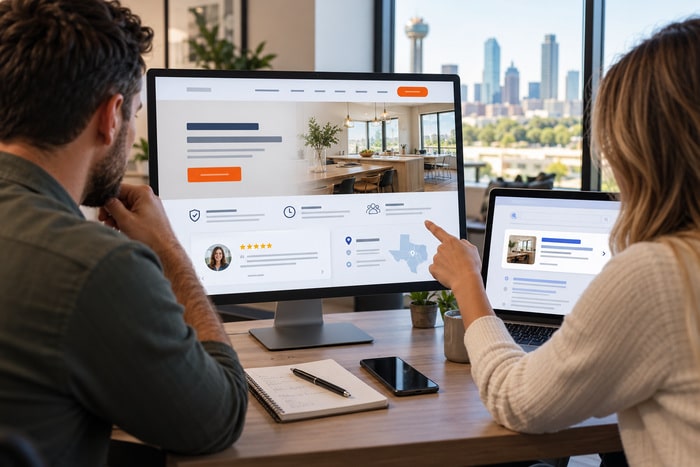
But somewhere between hearing about your company and picking up the phone, many potential customers will visit your website. And they’ll make a judgment. Can I trust this business?
They may never consciously ask that question. But they’re looking for clues. Does this company look legitimate? Are these people experienced? Do other customers trust them? Can I easily contact them? Does this look like a company I want working on my house, handling my legal matter, treating my family, repairing my car, or providing services to my business?
Your website is answering those questions whether you realize it or not. Here are seven things that can make customers trust—or distrust—your website.
1. Professional, Modern Website Design
Let’s get the obvious one out of the way. People judge businesses by their websites. You can have the best service in Dallas-Fort Worth, but a website that looks like it was built when everyone still had an AOL email address can create an immediate credibility problem.
An outdated website can make visitors wonder: Is this company still in business? Do they keep up with technology? Will they be professional? Is the information on this website current? Is it safe to submit my information here? That doesn’t mean your website needs animations flying across the screen or every trendy design feature imaginable.
In fact, please don’t do that. A trustworthy website is usually pretty simple. It looks clean. It feels current. It’s easy to navigate. It works on a phone. And it makes the company look like a professional organization someone would feel comfortable contacting. Your website doesn’t need to look expensive. It needs to look intentional.
2. Real Reviews From Real Customers
You can tell people you’re fantastic. Your customers saying you’re fantastic is considerably more convincing. Reviews and testimonials provide something marketers call social proof. They’re essentially telling a potential customer: “Other people took a chance on this company and had a good experience.” That’s powerful.
If your business has strong Google reviews, don’t hide them. Feature some of your best testimonials throughout the website. A landscaping company might show reviews beside photographs of completed projects. An attorney might include testimonials discussing communication and professionalism. A contractor might feature reviews about showing up on time and completing projects as promised.
The best testimonials are specific. “Great company!” is nice. “They arrived when promised, explained exactly what needed to be repaired, and finished the job the same afternoon” tells a much stronger story. Let your happy customers help sell your business.
3. Real Photos
Stock photography has its place. But if every person on your website looks like they just finished a modeling session in a suspiciously perfect conference room, customers may notice. Real photographs build credibility.
Show your: Team, Office, Trucks, Equipment, Projects, Store, Job sites, Products, Customers, when appropriate and with permission. If you’re a contractor, show completed work. If you’re a restaurant, show your actual food. If you’re a dentist, show your real office. If you’re a family-owned business, introduce the family. People like knowing who they’re about to call. Real photography helps transform an anonymous website into a real business operated by real people.
4. Clear Contact Information
Nothing makes a website feel questionable faster than making it difficult to figure out how to contact the company. Your phone number shouldn’t require an archaeological expedition. Make important contact information obvious. Depending on the business, that could include:
Phone number
Email address
Business hours
Service area
Physical location
Contact form
Request-a-quote button
And make sure the information is current. An old phone number, incorrect hours, or broken contact form doesn’t exactly scream: “We pay attention to details.” For local businesses especially, clear contact information reinforces that there is an actual company behind the website.
5. Proof That You Know What You’re Doing
Visitors want evidence that you’re qualified to solve their problem. Give it to them. Depending on your industry, credibility signals might include: Years in business. Professional licenses. Certifications. Awards. Memberships. Industry associations. Case studies. Completed projects. Before-and-after photos. Media appearances. Professional credentials. Number of customers served.
Suppose you’ve served DFW customers for 25 years. That’s impressive. Don’t bury it halfway down the About page. Put it somewhere people will see it. If you’ve completed 5,000 projects, say so. If you’ve earned an important certification, explain what it means. If you’ve received an industry award, show it. Trust is easier to build when you provide evidence.
6. Helpful Content That Answers Real Questions
Want to demonstrate expertise? Teach something. A website filled with useful information tells potential customers that you understand your industry. Answer questions such as: How does the process work? What does this service cost? How long will it take? What should I expect? What problems should I watch for? When should I call a professional? What should I know before hiring someone? This is one reason we’re such big believers in blogging. Good content isn’t simply about stuffing keywords into Google. It demonstrates knowledge.
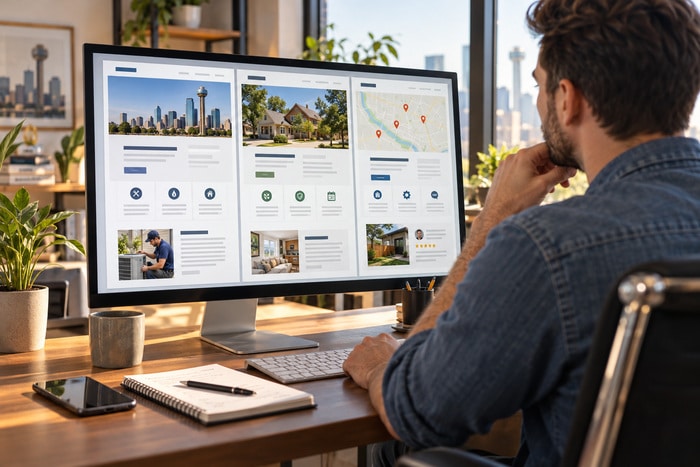
Imagine choosing between two companies. Company A has a five-page website that basically says: “We’re awesome. Call us.” Company B has detailed service pages, FAQs, helpful articles, project examples, and answers to the questions you’ve been researching. Which company feels more knowledgeable? Exactly.
7. A Website That Actually Works
Finally, your website needs to function properly. Seems obvious. Yet we regularly encounter websites with:
- Broken links
- Missing images
- Forms that don’t submit
- Buttons that don’t work
- Pages that don’t display correctly on phones
- Security warnings
- Extremely slow load times
- Old information
- Copyright dates from the Stone Age
Every little problem creates doubt. One typo probably won’t cost you a customer. But enough small problems begin telling a story: “Nobody is paying attention to this website.” And visitors may start wondering whether the same is true of the business.
Check your website regularly. Click the buttons. Submit the forms. Call the phone number. View it on your phone. Look at your service information. Make sure everything still works.
Your Website Is Part of the Sales Process
Here’s where many small businesses get websites wrong. They think the website’s job is simply to exist. “We have a website.” Check. Done. But your website is often part of a much larger decision-making process.
A customer may: See your truck → Google your company → visit your website → read your reviews → look at your work → call you. Or: Get a referral → visit your website → read about your services → check your team → request a quote. Or: Search Google → find your service page → read an article → check your reviews → contact you.
Your website isn’t sitting on the sidelines. It’s helping the customer decide.
The Five-Second Trust Test
Here’s something you can do today. Pull up your website. Better yet, hand your phone to someone who isn’t familiar with your business. Give them five seconds to look at your homepage. Then take the phone away. Ask them: What does this company do? Where are they located or what area do they serve? Did the company look professional? Would you feel comfortable calling them? You may be surprised by the answers.
Business owners see their websites differently because they already know the company. Potential customers don’t have that advantage. They only know what you show them.
Trust First. Leads Second.
Yesterday we talked about turning website visitors into leads. But there’s an important step between those two things. Trust. A visitor isn’t likely to become a lead until they feel comfortable with the company behind the website. That’s why professional design matters. That’s why reviews matter. That’s why real photographs matter. That’s why useful content matters. That’s why clear contact information matters. That’s why credibility matters. Your website isn’t simply telling people what services you provide. It’s quietly answering a much bigger question: “Should I trust these people?” Make sure the answer is yes.
At DFW Website Designers, we’ve spent years helping businesses throughout Dallas-Fort Worth create websites that don’t just look professional—they help businesses establish credibility, communicate clearly, and turn online visitors into real-world customers. Because a great website doesn’t start with the sale. It starts with trust.